





Best Anti-Glare Matte Screen Protector for MacBook in India (2026): Is It Worth It? | Capes
In this guide
- Does an anti-glare screen protector really work on a MacBook?
- What types of MacBook screen protector are there?
- What is Capes Glare Armour?
- Which MacBooks does Glare Armour fit, and what does it cost?
- Matte film, glass or a skin: what protects a MacBook screen?
- Who should not buy an anti-glare protector?
- How do I install it at home?
- Verdict: which anti-glare protector for a MacBook?
- FAQ
Quick answer: The best anti-glare screen protector for a MacBook in India is a thin matte film that cuts reflections without making white pages look grainy. Capes Glare Armour is built on a Japanese anti-reflection film, cut edge to edge for your exact MacBook with a notch cut-out. It covers the Air 13 and 15 (M2 to M5) and the Pro 14 and 16 (M1 Pro to M5), and goes on dry at home. Prices checked 21 November 2026. Pick glass instead only if you want a harder, glossier surface.
By Capes. Published 21 November 2026. Updated 21 November 2026.
A MacBook screen is bright and glossy, which is lovely in a dim room and tiring near a window. In an Indian office with tube lights, a café with glass walls or a train compartment with sun on one side, the display turns into a mirror and you end up raising the brightness or tilting the lid. An anti-glare screen protector is the fix. It is also one of the easiest accessories to get wrong.
This guide explains how matte, glass and glossy protectors differ, what to check for a MacBook, and where Capes Glare Armour fits, including who should not buy it.
Does an anti-glare screen protector really work on a MacBook?
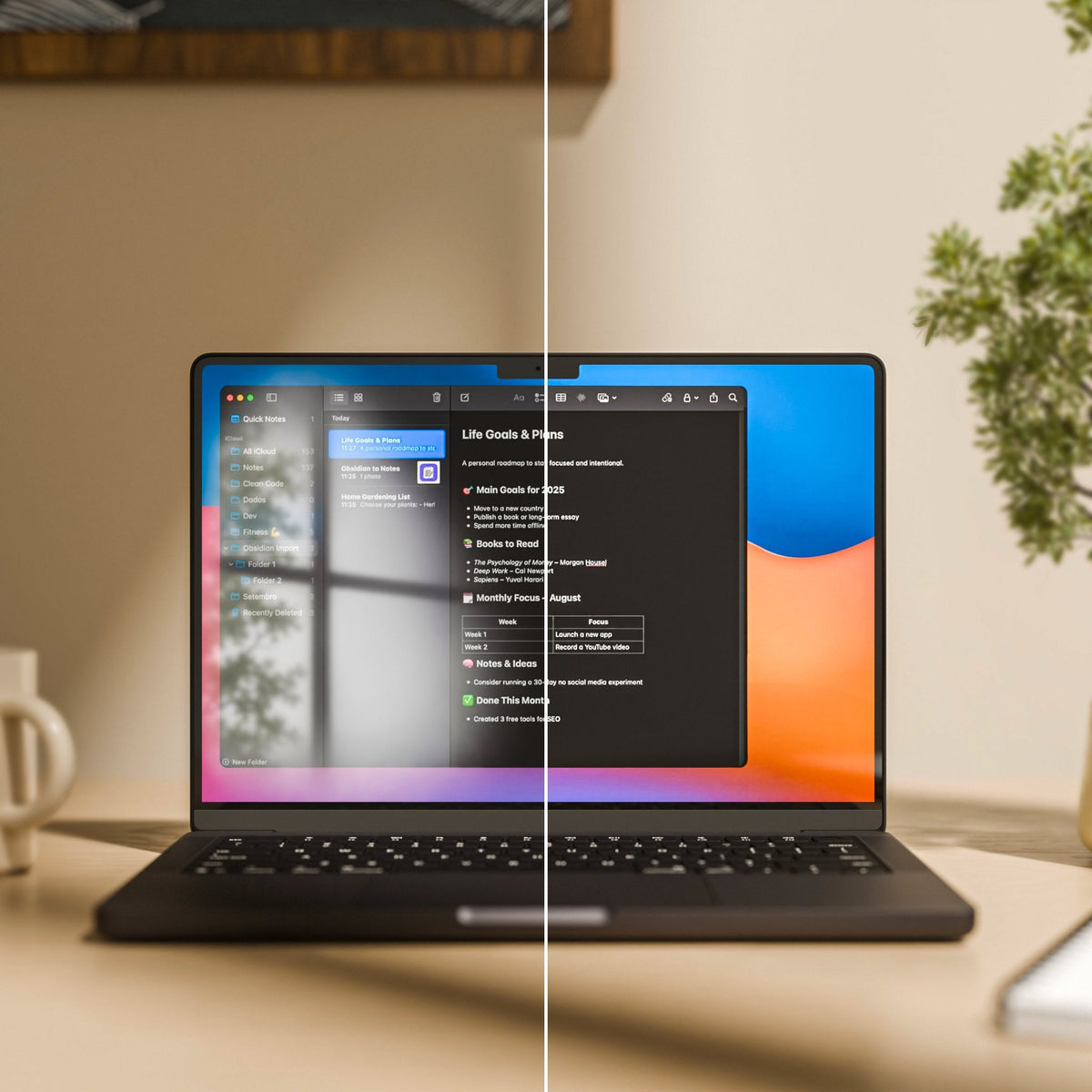
Yes, a good matte film reduces how sharply windows and lights reflect in the screen. It spreads reflected light out so what remains is a soft glow instead of a clear mirror image. The trade-off is that any matte layer is a compromise between glare and clarity, which is why the finish matters.
Three things decide whether it feels good in daily use:
- How well it cuts reflections. A window behind you should stop showing up as a bright shape in the screen.
- Whether white pages stay clean. Cheap matte layers can make a white document look grainy, with tiny specks of colour. The Glare Armour page says it keeps white pages clean.
- Whether small text stays sharp. The page says small text stays sharp and colours stay true. Judge this at your own desk, because screen distance and eyesight change how a matte finish looks to you.
What types of MacBook screen protector are there?
The main types are tempered glass, glossy clear film, matte anti-glare film and privacy filters. They solve different problems, so the right one depends on whether your problem is glare, scratches or prying eyes.
| Type | Best for | Trade-off |
|---|---|---|
| Matte anti-glare film | Work near windows and bright lights, fewer fingerprints | A slightly softer image than bare glass; quality varies between films |
| Glossy clear film | Keeping the screen looking exactly as it does bare | Reflections stay; it only adds a thin protective layer |
| Tempered glass | A hard, glass-like surface on phones and tablets | Thicker, which matters on a laptop whose lid must close over the keyboard |
| Privacy filter | Stopping people beside you from reading the screen | Darkens the image and narrows the viewing angle |
For a laptop, thickness matters more than it does on a phone. A MacBook lid closes with very little gap between screen and keyboard, so thin and flexible beats thick and rigid. Other brands also make MacBook screen protectors, so compare each page's film type, thickness claims and sizes before choosing.
What is Capes Glare Armour?
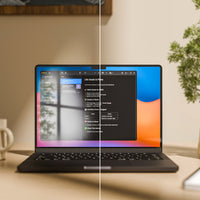
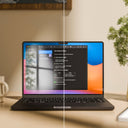
Glare Armour is an anti-glare, anti-reflective matte screen protector for MacBook, built on a Japanese anti-reflection film. It is cut for each MacBook model.
From its product page:
- Japanese anti-reflection, matte finish. The film spreads harsh light out, so glare drops a lot and what remains is a soft, diffused glow.
- No grain on white pages. It keeps white documents clean instead of speckled.
- Cut for your exact MacBook. Edge to edge, with a cut-out for the notch so the camera stays clear.
- The lid still closes. It is thin and flexible, not thick glass, and the page says this was checked on a real MacBook Air and MacBook Pro.
- Fewer keyboard marks. When the lid closes, the keys touch Glare Armour instead of your screen, and the marks wipe away.
- Dry install at home. It goes on in about a minute with no liquid and numbered layers so there is no guessing which side goes where.
- Comes off clean. The page says no glue is left on your screen.
In the box: the Glare Armour protector, wet and dry wipes, a dust sticker and a squeegee.
Which MacBooks does Glare Armour fit, and what does it cost?
It comes in seven sizes covering the MacBook Air 13 and 15 (M2 to M5), the MacBook Pro 14 and 16 (M1 Pro to M5), the 2026 Pro 14 and 16 touch models and the MacBook Neo. Not sure which you have? Apple menu, then About This Mac.
| Your MacBook | Glare Armour size |
|---|---|
| MacBook Neo | MacBook Neo |
| MacBook Air 13-inch, M2 to M5 | Air 13" |
| MacBook Air 15-inch, M2 to M5 | Air 15" |
| MacBook Pro 14-inch, M1 Pro to M5 | Pro 14" |
| MacBook Pro 16-inch, M1 Pro to M5 | Pro 16" |
| MacBook Pro 14-inch PROLED Touch, 2026 | Pro 14" PROLED Touch |
| MacBook Pro 16-inch PROLED Touch, 2026 | Pro 16" PROLED Touch |
If your MacBook is not on that list, for example an older Intel model or an Air with an M1 chip, there is no Glare Armour size for it today, so do not order the nearest size.
Matte film, glass or a skin: what protects a MacBook screen?
A matte film cuts glare and keeps the keyboard off the screen; a skin protects the outside of the lid, base and palm rest, not the display. They do different jobs and work together.
- Glare Armour is for the screen: reflections, fingerprints and keyboard marks.
- A MacBook skin is for the lid, bottom and sides. Our laptop skin guide explains coverage and finishes.
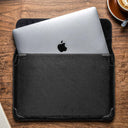
- A sleeve or stand protects in the bag and lifts the screen towards eye level at the desk.
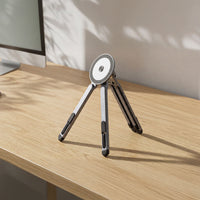
If you also want the screen nearer eye level, the 3-in-1 MagLock Stand raises a laptop of up to 16 inches across 8 heights.
Who should not buy an anti-glare protector?
Skip a matte film if you edit colour-critical photos or video, or if you always work in a dim room with the brightness high. A matte layer is a trade, and some people prefer the bare glossy display.
- Colour-critical work. Glare Armour says colours stay true, but professionals who grade work should judge it on their own screen first.
- Dim rooms only. If glare is not your problem, a matte film adds little.
- Models without a size. If your MacBook is not on the list above, skip it.
- Hard-surface expectations. Glare Armour is a thin, flexible film, not hard glass. If you want that, choose a different product.
How do I install it at home?
It is a dry install: no liquid is needed to apply it, and the layers are numbered so there is no guessing which side goes where. The page says it goes on in about a minute.
The box includes wet and dry wipes, a dust sticker and a squeegee. Follow the numbered layers in the box, and line the cut-out up with your MacBook's notch so the camera stays clear. Do it in a dust-free spot, since a speck trapped under any screen film shows up.
Verdict: which anti-glare protector for a MacBook?
If you work near windows or under bright lights and your MacBook is on the size list, Capes Glare Armour is the pick: a thin matte film on a Japanese anti-reflection base that keeps white pages clean and the lid closing. If you want hard glass or work only in dim rooms, a matte film is not for you.
Pair it with a skin for the outside: see the MacBook Air 13 M5 skin or the MacBook Transparent Skins listing. Browse every MacBook skin, the full laptop skins collection and the laptop sleeves with stand. Outside India? Shop on capes.co.
FAQ
What is the best anti-glare screen protector for a MacBook in India?
A thin matte film cut for your exact model. Capes Glare Armour is built on a Japanese anti-reflection film, keeps white pages clean and is priced by MacBook model.
Does Glare Armour make white pages look grainy?
No. The product page says it keeps white pages clean, unlike many matte protectors that leave tiny specks of colour.
Will the MacBook lid still close with Glare Armour on?
Yes. It is thin and flexible, not thick glass, and the page says it was checked on a real MacBook Air and MacBook Pro.
Which MacBooks does Glare Armour fit?
MacBook Air 13 and 15 (M2 to M5), MacBook Pro 14 and 16 (M1 Pro to M5), the 2026 Pro 14 and 16 PROLED Touch models and the MacBook Neo. Check About This Mac to confirm your model.
MacBook ke liye anti-glare screen guard kaise lagate hain?
Dry install hai, pani nahi lagta. Screen saaf kijiye, numbered layers aur notch cut-out ko line up kijiye, aur squeegee se hawa bahar nikaaliye. Box mein wipes, dust sticker aur squeegee aate hain.
Does it leave glue on the screen when removed?
The product page says it comes off clean, with no glue left on your screen.
Written by Capes. Published 21 November 2026. Last updated 21 November 2026.
 Glare Armour Anti-Reflective Matte Screen Protector for MacBook