



Best MagSafe Wallet in India (2026): Which One for Commuters, Students, Flyers and Android Users | Capes
In this guide
Quick answer: The best MagSafe wallet in India is the one that matches how you carry things. The Capes MagLock Wallet holds up to 3 cards, flips out into a portrait or landscape stand, and clings on with N52 magnets to any MagSafe iPhone or MagSafe case. A magnetic ring in the box makes it work with Android phones, and its hinge is tested to 3,000 opens. It suits commuters, students, flyers and video watchers best. Choose a plain card holder if you never prop your phone up, and carry a regular wallet if you carry many cards or cash. Prices checked 21 November 2026.
By Capes. Published 8 October 2026. Updated 21 November 2026.
A MagSafe wallet replaces a bulky back-pocket wallet with the two or three cards you use every day, carried on the phone you never forget. The questions are always the same: will it fall off, will it harm my cards, will it fit my phone and does the stand actually help? The honest answer depends on who you are, so this guide picks by persona after covering the basics.
How does a MagSafe wallet work?
A MagSafe wallet is a slim card holder with magnets on the back that line up with the ring of magnets Apple builds into iPhones with MagSafe (iPhone 12 and later, except the iPhone 16e). Hold it near the back of the phone and it snaps into place in the centre. It has no battery and no electronics, so it does not connect to the phone or draw power.
That also explains the limits. Magnets hold hardest against a straight pull and least against a sideways slide, which is why a wallet comes off when you drag the phone out of tight jeans. A MagSafe case with its own magnets makes the hold firmer.
What types of MagSafe wallet are there?
There are four common types: a plain card sleeve, a card holder with a kickstand, a leather flip wallet and a phone-case wallet. They differ in capacity, bulk and whether they double as a stand.
| Type | Cards | Stand? | Trade-off |
|---|---|---|---|
| Plain MagSafe card sleeve | 1 to 3 | No | Slimmest; no way to prop the phone up |
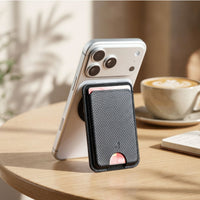
| Card holder with kickstand (Capes MagLock Wallet) | Up to 3 | Yes, portrait and landscape | A little thicker than a sleeve |
| Leather flip wallet | Several, plus cash | Sometimes | Bulky; changes how the phone sits in the hand |
| Case with a built-in wallet | 1 to 3 | Rarely | You replace the case to change the wallet |
Brands such as ESR, Spigen and Apple also make MagSafe wallets, so compare each listing's card count, stand and fit rather than the headline.
What is the Capes MagLock Wallet?
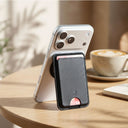
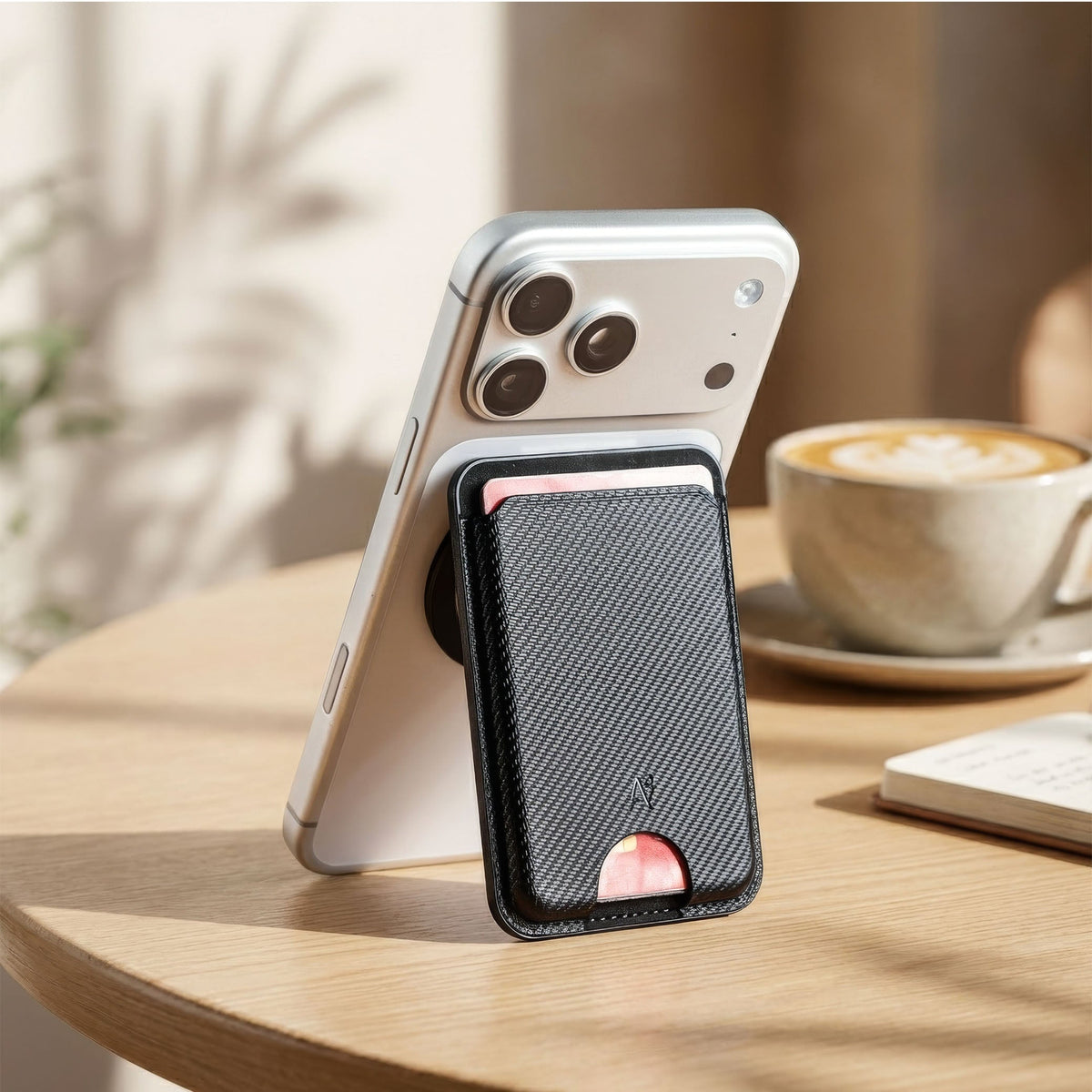
It is a MagSafe wallet that holds 3 cards and flips out into a phone stand. N52 magnets hold it to any iPhone with built-in MagSafe (iPhone 12 and newer, except the iPhone 16e) or a MagSafe case, and a magnetic ring in the box makes it work with Android phones. The hinge is tested to 3,000 opens, and it comes in Carbon Fibre Black or Black Leather.
- Cards: up to 3 standard cards, or 2 if they are embossed or thick.
- Stand: a built-in kickstand for portrait and landscape viewing, for video calls, recipes or a movie.
- Thickness: it is slim and adds little thickness when folded flat.
- Compatibility: MagSafe iPhones and cases, plus Android phones with the included ring.
- Warranty: 3 months.
Which MagSafe wallet suits you? Pick by persona
Match the wallet to your day. Below are six common patterns, with a straight answer on whether a MagLock Wallet fits each and what to do if it does not.
The daily commuter
Fits well. You carry a debit card, an ID and maybe a metro or travel card, and you check your phone on the move. The wallet keeps those on the phone you already hold, and the stand props it up for a video on the train or a call in the car.
- Slide the phone into your pocket wallet-side in, and pull the phone and wallet out together.
- If most of your spending is UPI on the phone itself, two cards are plenty.
- If you need a card that works only by its magnetic stripe, keep it in your bag instead.
The student
Fits well. A college ID, a debit card and one spare card are enough for most days. The stand turns the phone into a screen for recorded lectures and video calls on a desk or bed.
- If your ID card is thick or embossed, plan on two cards in the wallet instead of three.
- Take the wallet off before you put the phone on a charger.
The frequent flyer
Fits partly. The wallet carries a card or two and the stand holds the phone for a film on the tray table. It does not carry a passport, and an airline's paper boarding pass will not fit.
- Use it for cards and keep the passport in your travel pouch.
- Take the wallet off before using a wireless charging pad.
The minimalist
Fits, with a condition. You want the fewest things in your pockets. The MagLock Wallet replaces a wallet, a stand and a phone grip, but it is a little thicker than a plain sleeve. If you never prop your phone up, a plain MagSafe card sleeve is slimmer.
- Carry only the cards you use every day.
- It is slim and adds little thickness when folded flat.
The video watcher or creator
Fits well. The kickstand works in portrait for video calls and landscape for films and recipes. It is also a useful grip. The hinge is tested to 3,000 opens, so flipping it out many times a day is what it is built for.
- Pair it with a case with strong magnets so the wallet stays put when you flip the stand open and shut.
- For a fixed desk or dashboard setup, a mount like the MagLock Anywhere Mount is steadier than a kickstand.
The Android user
Fits with a ring. Android phones do not have MagSafe magnets, so you need a magnetic ring (one is in the MagLock Wallet's box) or a case with magnets built in.
- Stick the ring centred on the back of the phone, or better, on the case so the phone stays clean when the case comes off.
- Keep the ring clear of the wireless-charging coil and tap-to-pay area if you use them.
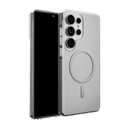
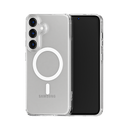
- Some Android cases, such as Clear Armour for the Galaxy S26 Ultra, have N52 magnets built in, so no ring is needed.
The same applies to iPhone 11 and older, which have no MagSafe magnets. Our guide to MagSafe on Android and older iPhones covers the setup.
Will a MagSafe wallet fall off, and what holds it on?
Not in normal use. What decides the hold is what is on the back of your phone.
| Back of your phone | How the wallet holds |
|---|---|
| Bare iPhone 12 or later with MagSafe (not iPhone 16e) | Snaps on directly |
| MagSafe case with its own magnets | Holds well; the case magnets add to the phone's |
| Thin skin | Works; our phone skins are listed as compatible with MagSafe and wireless charging |
| Regular case without magnets | Weak or no hold; the case puts distance between the magnets |
| Android, or iPhone 11 and older | Needs a magnetic ring or magnetic case first |
For the firmest hold, use a case with N52 magnets: Clear Armour is made with 100 Year Anti-Yellow material, and on an iPhone 17 Pro or 18 Pro, Impact Armour Pro has N52 magnets and a stand of its own.
Is a MagSafe wallet safe for my cards and phone?
For the phone, yes; for cards, keep the wallet off the charger. Apple says not to place credit cards, security badges, passports or key fobs between an iPhone and a MagSafe charger, because this may damage magnetic strips or RFID chips. The wallet has no electronics, so it does not drain the battery.
- Charging: take the wallet off before you put the phone on a MagSafe or wireless charger.
- Mounts: take it off before snapping the phone onto a magnetic car or desk mount, so the cards do not sit between two magnets and the phone holds firmly.
- Stripe-only cards: a card that works only by its black magnetic stripe is better carried elsewhere.
Verdict: which MagSafe wallet should you buy?
If you want a wallet that is also a stand and you carry two or three cards, buy the Capes MagLock Wallet. If you never prop your phone up, a plain MagSafe card sleeve is slimmer; if you carry many cards or cash, a regular wallet is still better.
See the MagLock Wallet with Stand and the MagLock Magnetic Ring for a second phone. Browse all MagLock wallets, the full MagLock collection and the Capes MagSafe cases that hold them. Outside India? Shop on capes.co.
FAQ
What is the best MagSafe wallet in India?
For most people, a wallet that holds a few cards and doubles as a stand. The Capes MagLock Wallet holds up to 3 cards, flips out into a portrait or landscape stand, has N52 magnets, and its hinge is tested to 3,000 opens.
Does the MagLock Wallet work with Android phones?
Yes. A magnetic ring comes in the box. Stick it centred on the back of the phone or its case and the wallet snaps on. Some Android cases with built-in magnets, like Clear Armour for the Galaxy S26 series, need no ring.
How many cards does the MagLock Wallet hold?
Up to 3 standard cards, or 2 if they are embossed or thick.
Do MagSafe wallets fall off easily?
Not in normal use. They hold best against a straight pull and can slide off with a sideways push, such as pulling the phone out of a tight pocket. A MagSafe case with strong magnets makes the hold firmer.
Kya MagSafe wallet Android phone par kaam karta hai?
Haan, agar phone ya case ke peeche magnetic ring lagi ho ya case mein magnets hon. MagLock Wallet ke box mein ring aati hai. Ring ko phone ke peeche center mein lagaiye.
Can a MagSafe wallet damage my cards or drain the battery?
It has no electronics, so it does not drain the battery. Apple says not to place cards between an iPhone and a MagSafe charger, so take the wallet off before charging. Carry a stripe-only card elsewhere.
Written by Capes. Published 8 October 2026. Last updated 21 November 2026.
 MagLock Wallet with Stand, Fits 3 Cards (MagSafe-compatible)